
Systems integration in a business: when to connect via API, what to decide first and what usually goes wrong
When to connect your CRM, invoicing, bank or payment gateway, what to decide before writing any code and when you need to build a piece of your own.
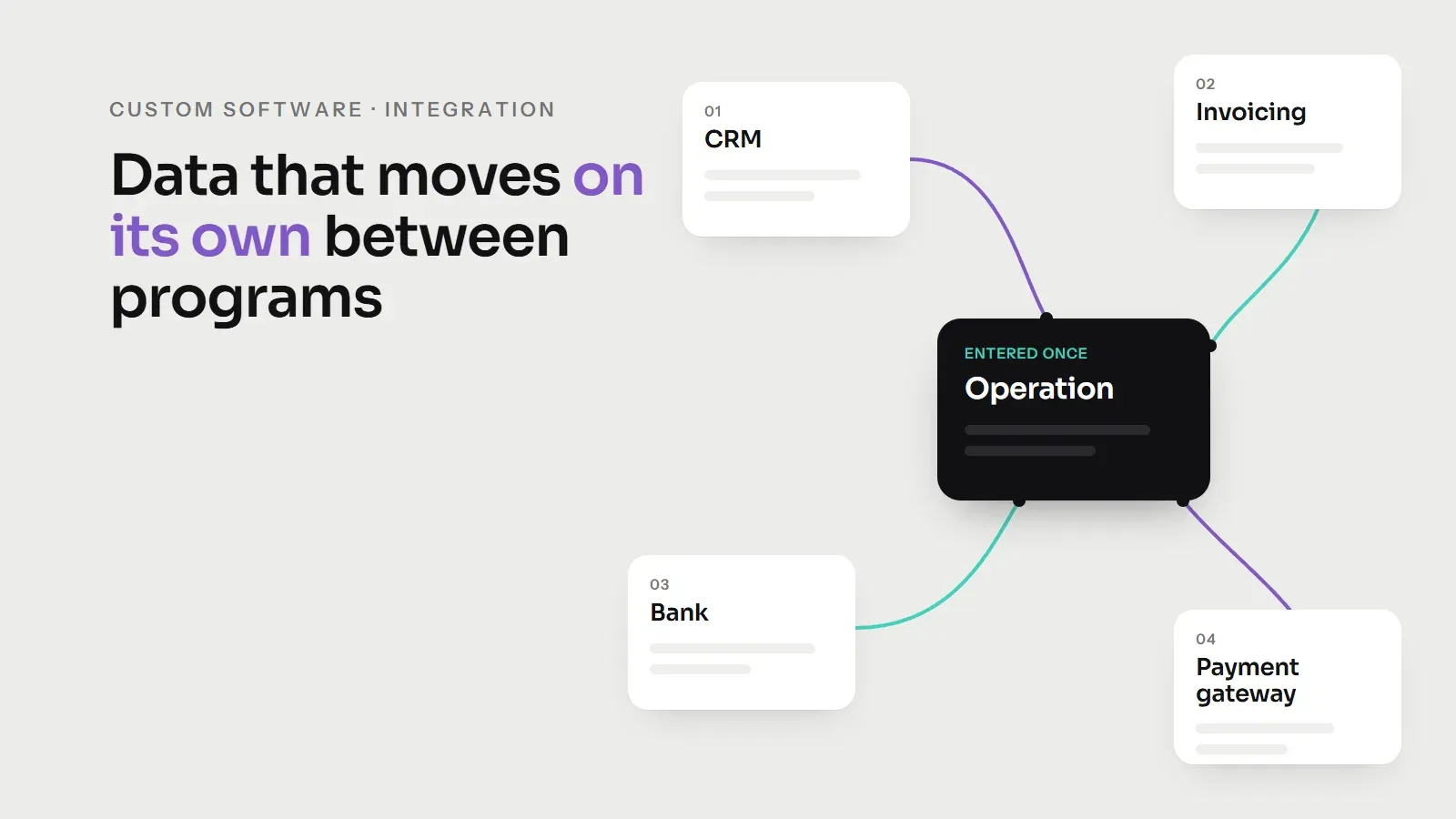
Many companies do not have a tools problem. They have a CRM, invoicing software, the bank, a payment gateway and several spreadsheets, and each one does its part well. The problem is that the work happens between them: someone copies a piece of data from one to another, checks that it matches and types it again into a third.
Systems integration means that step happens on its own. Done well, it removes hours and errors. Done badly, it creates a worse problem: two versions of the same data and nobody who knows which one is right. This article explains when it pays off, what needs deciding before writing any code and the failures that come up most when connecting invoicing, banking and payments. When what is missing is not a connection but a new piece, that is a job for custom software development, and we cover it here too.
The short answer
Connect two tools when the same data is frequently typed by hand into both or when a copying error has a cost. Before writing any code, decide which system is in charge of each piece of data, how the same record is recognised in both systems and what happens when one of them does not respond. If what is missing is not a connection but a place where the whole operation lives, integration alone will not fix it: you need to build that piece.
Three ways for two programs to talk
| Method | How it works | When it fits |
|---|---|---|
| API | One program requests or sends data to the other when it needs to | Data that changes often and must be kept up to date |
| Automatic notifications (webhooks) | The other program sends a notice when something happens: a payment, a booking, a refund | Events that need dealing with straight away |
| Files | A file is exported (a CSV, a statement) and imported into the other | The other system has no API, or once a day or once a month is enough |
Not every tool offers all three, and not every tool offers them on all its plans. A sensible integration uses whatever is available for each piece of data and does not insist on the most sophisticated option if a daily file solves the problem.
Before writing code: what already exists
Many connections have already been built. Before commissioning an integration, it is worth looking at three things, in this order:
- The integration the tool itself provides. Many invoicing programs already connect to the bank, the online shop or the payment gateway from their settings. If it exists and does what you need, it is the cheapest option and someone else maintains it.
- A no-code automation platform. To pass data from one well-known application to another when something happens (a form that creates a contact, a payment that triggers a notification) it is usually enough, as long as someone in-house knows how to maintain it.
- Bespoke development. It pays off when there are rules those options do not cover: matching records that do not share a key, deciding what to do with a duplicate, retrying without duplicating, or when what is missing is not a connection but a new piece.
The useful question is not “can it be connected?” (it almost always can) but “who finds out, and what happens, when the connection fails?”. If the answer is “nobody” and the error has a cost, what comes out of the box is no longer enough.
What needs deciding first
Which system is in charge of each piece of data
This is the rule that prevents the most problems: for each piece of data, one system is in charge and the others read it. The invoice is owned by the invoicing software. The customer can be owned by the CRM. Stock, in a single place. If two systems can modify the same data, sooner or later they will not match, and no integration will know which one is right. We explain this with the case of the online shop and the ERP in who is in charge of stock and price (in Spanish).
How the same record is recognised on both sides
A customer called “Construcciones Pérez” in the CRM and “Pérez SL” in invoicing is the same one, but a program does not know that. You need a shared key (a Spanish tax ID, an internal identifier) or a rule to match them, and a way to resolve doubtful cases by hand instead of guessing.
What happens when something fails
APIs go down, run slowly or respond with an error. An integration has to:
- retry without duplicating: if a request is repeated, the result cannot be an extra charge, invoice or notification;
- recognise what has already come in: if the same period is imported twice, each piece of data has to come in only once;
- flag when something has not come in, instead of failing silently;
- keep a record of what it did, when and with what result.
Two real cases
The job and the bank at a renovation company
In the management system we designed and developed for Obrescat, a renovation company in Barcelona, the unit is the job: it is quoted, contracted with its amount and target margin, costs are allocated to it and it is matched against the bank account. Each transaction is categorised and assigned to the job it belongs to.
It is a good example of the previous rule. The transaction originates in the bank; the job, its quote and its margin live in the management system. What the system contributes is the match between the two: which job each transaction corresponds to. That is why the question “how is this job going?” stopped being a reconciliation exercise and became a query.
Payments and notifications in a booking SaaS
In Konreservas, our booking SaaS, each business takes payments with its own Stripe account or with its bank’s card terminal through Redsys (the card payment platform used by many Spanish banks). Both gateways send an automatic message for every payment, and that is where the typical risks of a payment integration lie:
- Every Stripe notification is verified by signature and with a time tolerance before it touches a booking. A notification that fails verification changes nothing.
- Redsys notifications are checked with the signature Redsys requires, calculated over the exact bytes received, without reinterpreting them. A notification with an invalid signature does not touch any booking.
- Refunds carry an idempotency key: if the request is repeated because of a network failure, the money is not refunded twice.
- The calendar is shared through a private link that Google Calendar, Outlook or the iPhone read on their own. Sometimes the best integration is a standard everyone understands.
Integrate or build
| Situation | The sensible option |
|---|---|
| Each tool covers its part well; they just need to pass data | Integrate |
| The same data is modified in two places and nobody knows which is valid | Decide which one is in charge, then integrate |
| There is no place where the whole operation lives (the job, the order, the case file) | Build that piece and connect it to the others |
| A tool has fallen short on the essentials | Consider replacing it before integrating it |
The rows can be combined. At Obrescat the answer was the third combined with the first: a piece of its own where the job lives, matched against the bank, which remains in charge of each transaction.
How much it costs
It depends on how many systems are involved, whether they offer an API and how much logic sits between them. In our guide to how much custom software development costs (in Spanish), with Spanish market ranges and their sources, a specific integration between two systems appears among the jobs that usually come in under €10,000, and a platform with integrations and automations across several areas between €60,000 and €150,000 excluding VAT. These are market ranges, not Bolmia’s rates.
Questions for whoever is going to build the integration
- Which system is in charge of each piece of data?
- How is the same record recognised in both systems?
- What happens if the other tool does not respond? Does it retry without duplicating?
- What happens if the same data arrives twice?
- How will I find out that something has not come in?
- Is there a record of every synchronisation?
- What happens if the other tool changes its API or restricts it to a higher plan?
If your team spends hours copying data between programs, tell us which tools you use and we will look at what is worth connecting, what is worth building and what is best left as it is.
Frequently asked questions
What is systems integration in a business?
Making the programs a company already uses (CRM, invoicing, bank, payment gateway, online shop) pass data to each other automatically, so that nobody has to copy it by hand from one to another. It can be done via API, with automatic notifications (webhooks) or with files.
What does integrating tools via API mean?
That one program reads or writes data in another automatically, using the interface the second one offers for that purpose, its API. For example, the management system reading invoices from the invoicing software without anyone typing them in again.
When does integration pay off instead of copying data by hand?
When the same piece of data is frequently written in two places, when a copying error has a cost (an unallocated payment, wrong stock levels) or when the person doing the copying has become a bottleneck. If the volume is low and the data changes little, a periodic export may be enough.
What needs to be decided before integrating two programs?
Which system is in charge of each piece of data, how the same record is recognised in both systems, what happens if one of them does not respond and how to prevent the same data from being entered twice.
Integrate or build a custom system?
If each tool covers its part well and they just need to talk to each other, integrate. If what is missing is a place where the whole operation lives (the job, the order, the case file) and no tool has it, building that piece and connecting it to the others is usually what solves it.