
Case · Konreservas
Online booking, secure from the database up.
Konreservas is a booking SaaS for any business that works by appointment, in production since 10 November 2026. It is Bolmia’s own product, and here it is told from the inside: how bookings work, how you sign in, how each business is kept apart, how it takes payments and what it does on its own.
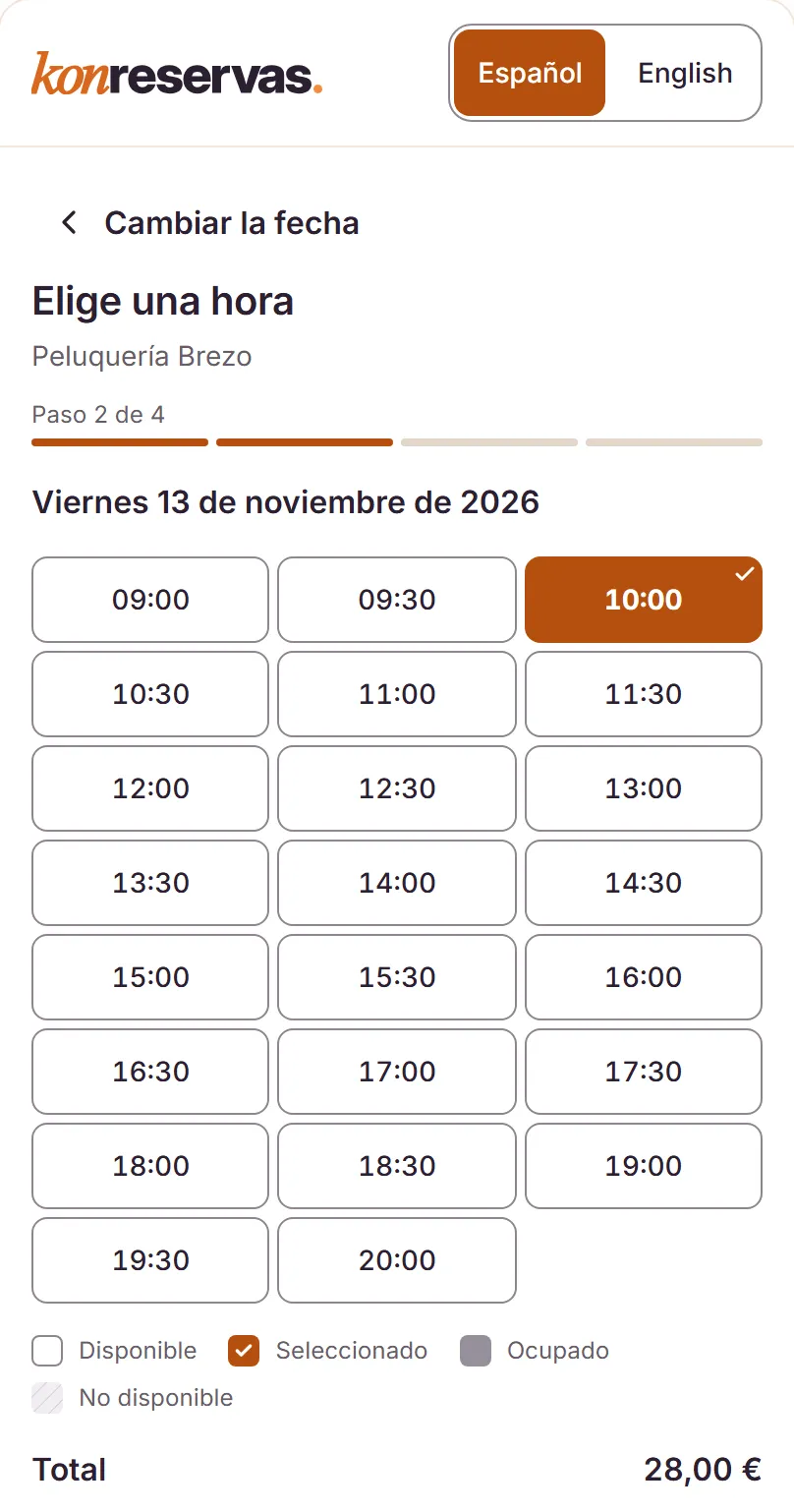
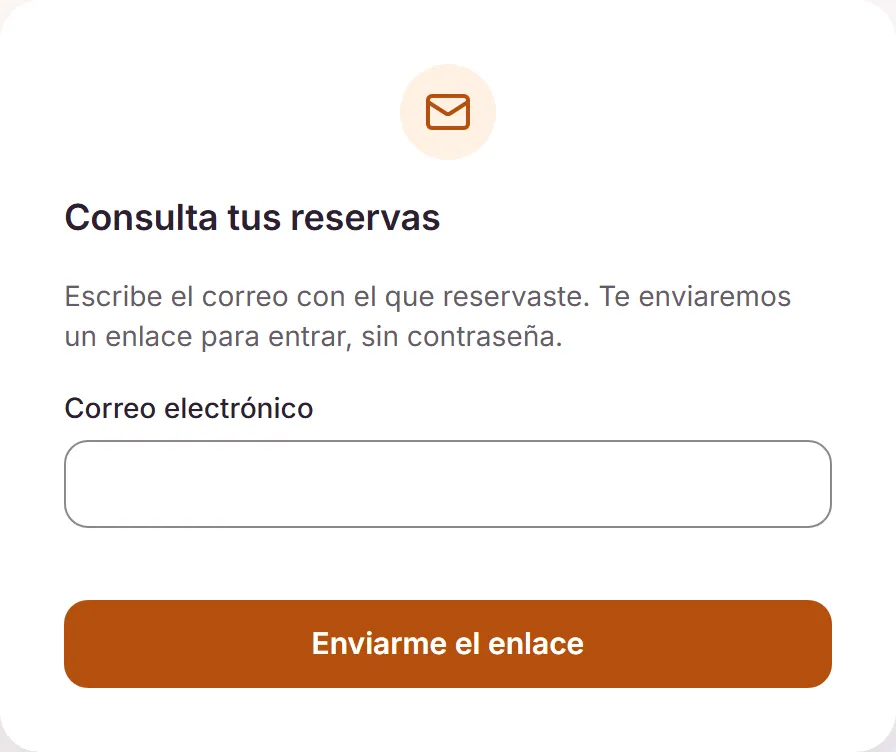
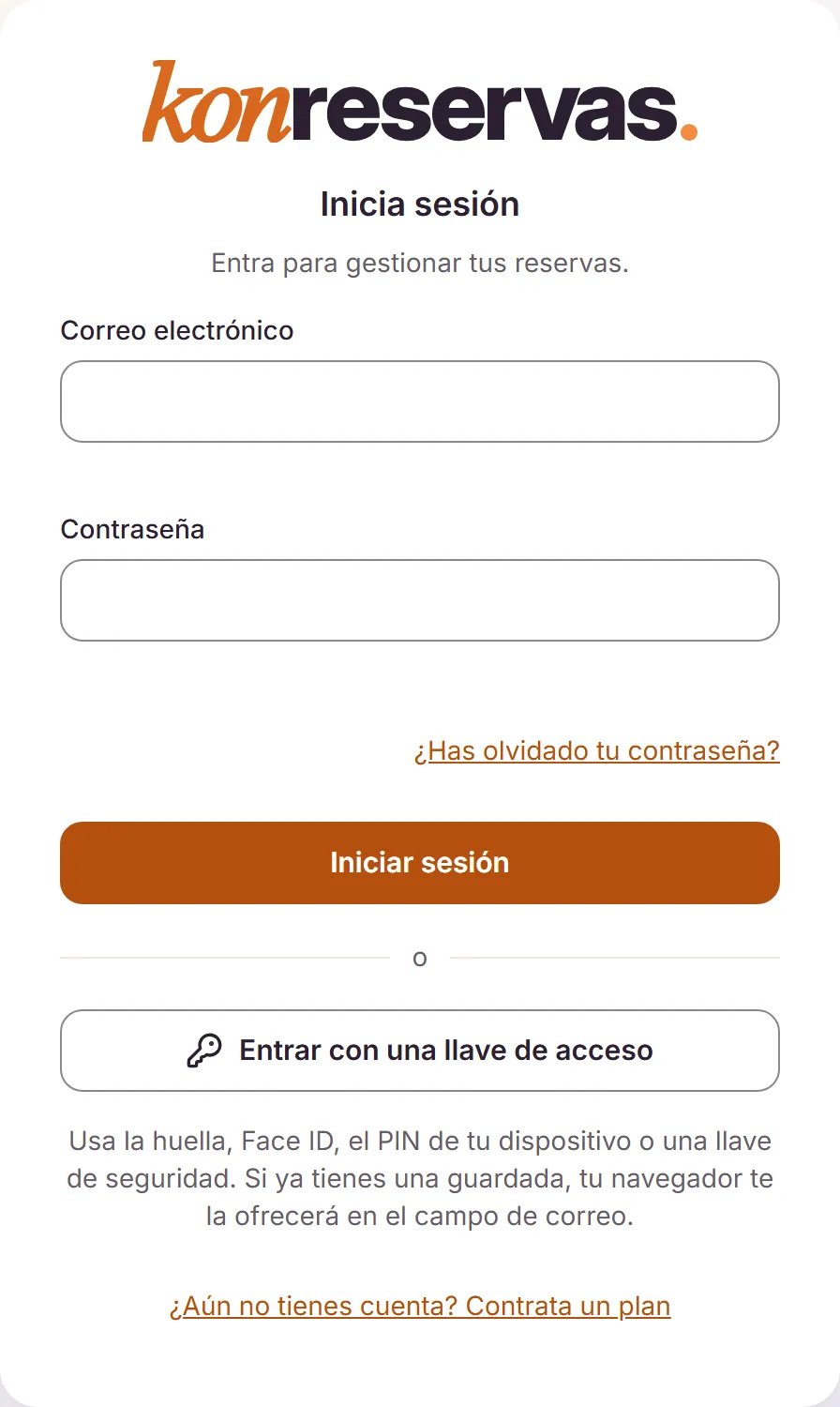
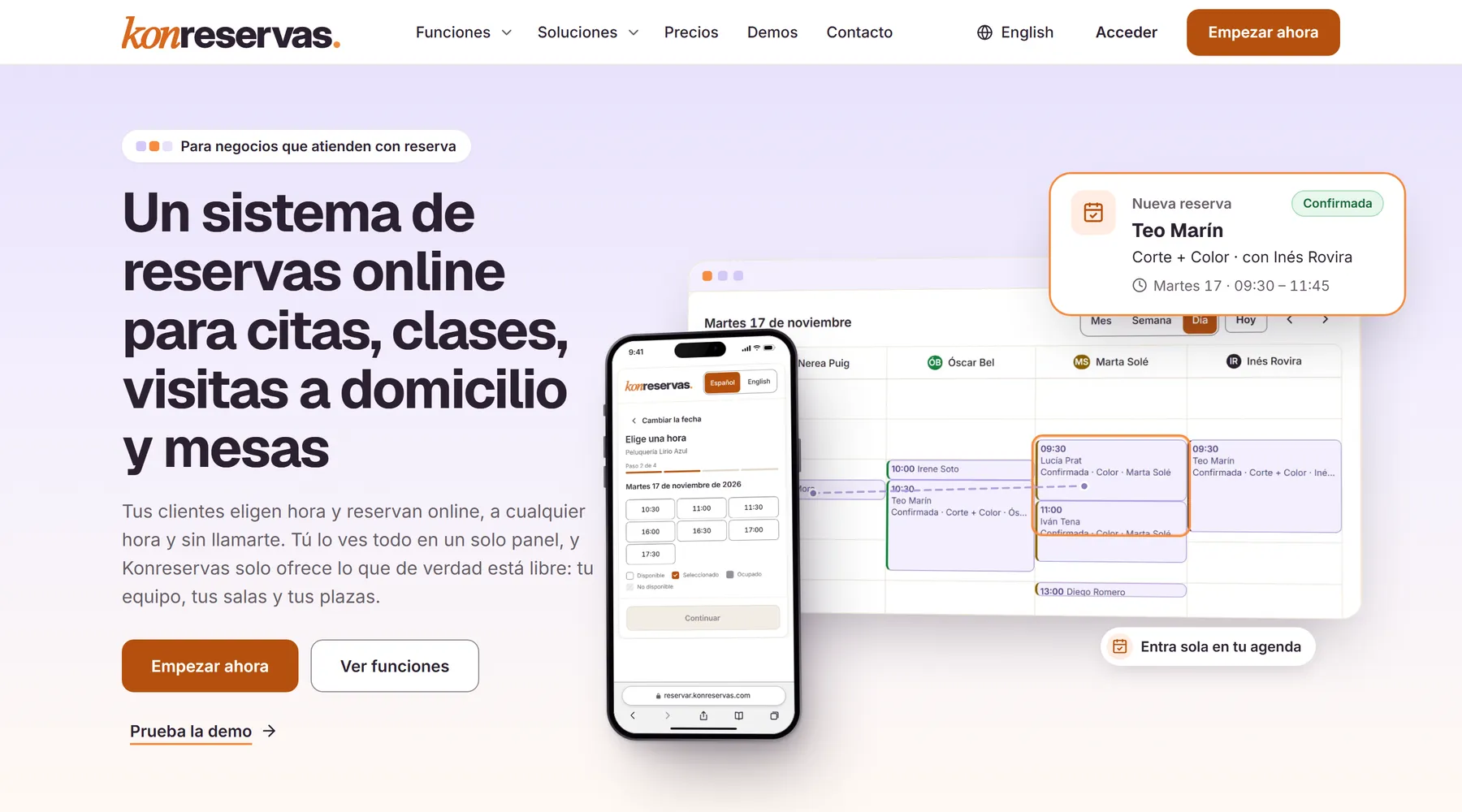
Three surfaces of the same product. Underneath, a single core.
What it is
One product for any appointment-based business.
Hair salons, clinics, physios, padel courts, academies, garages or restaurants: each business sets up its own schedule, payments and alerts on the same core, without the product splitting into versions.
Bolmia’s own product · online booking SaaS for appointment-based businesses · web and iOS and Android apps
Where it comes from
A business that works by appointment —hair salons, clinics, physios, padel courts, academies, garages, restaurants…— lives between the phone, the diary and the customers who never turn up. Konreservas was designed for all of them with two requirements from day one: every business kept apart in the database itself, not only in the code, and taking payments that does not depend on everything going right.
What exists today
A SaaS in production since 10 November 2026: a sales website in Spanish and English, an embeddable public booking flow, a business panel, a customer portal, platform administration and apps for iOS and Android. It takes payments through Stripe or the bank’s card terminal, sends alerts by email, WhatsApp and push, and you sign in with a passkey.
What you can open
konreservas.com and its 39 demos by sector, where you can go through the whole booking without being charged or sent anything. The panels are not open: each business has its own inside its account.
- applications on a single core
- 8
- Row Level Security policies
- 69
- lock levels with a global order
- 7
- automated tests
- 6,000+
- database migrations
- 66
- public demos by sector
- 39
The booking
It only offers what is genuinely free.
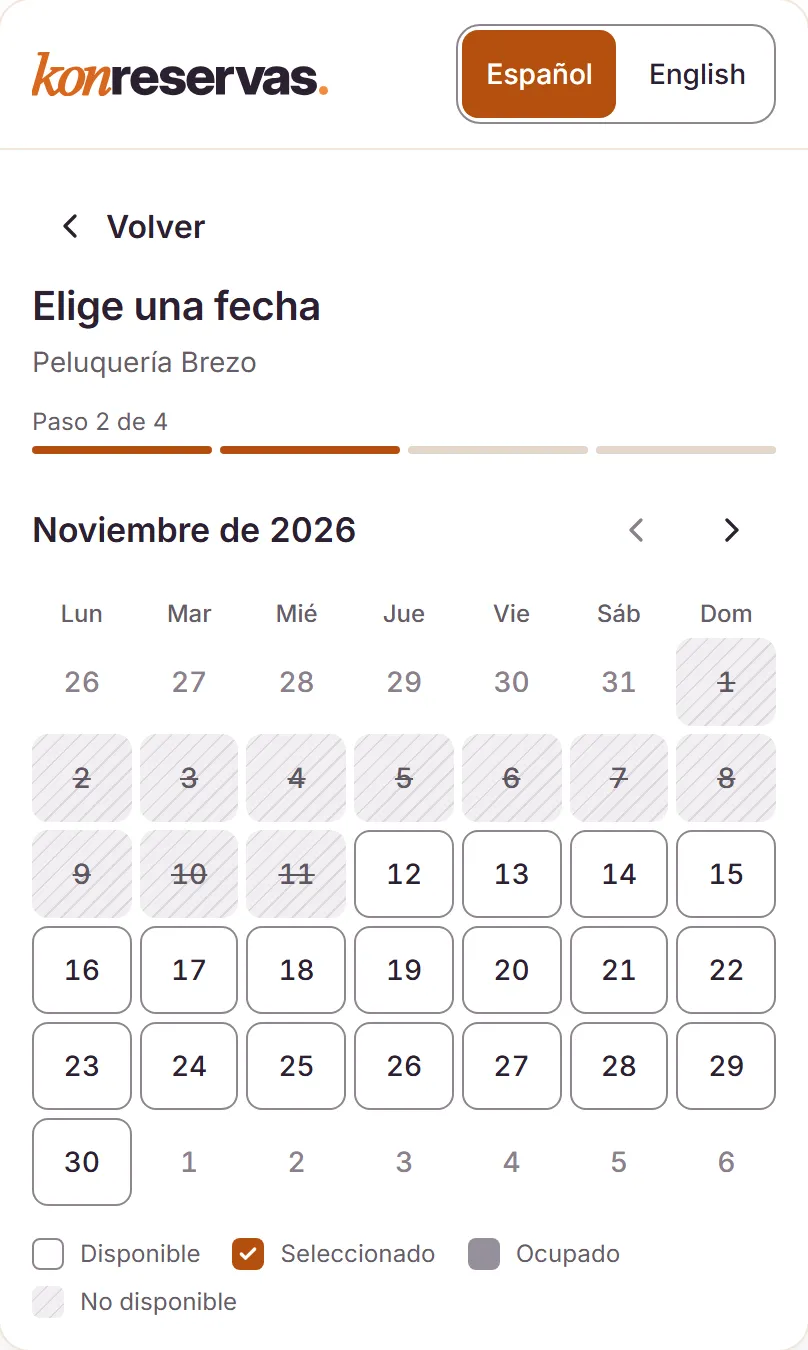
The customer picks a service, a day and a time on the business’s website. Behind it sits an availability engine written as a pure function —intervals, recurrence and time zones, without touching the database— so every rule is tested on its own and the same answer comes out on the web, in the panel and in the app.
- Appointments, classes with places, full courses, home visits and tables, on the same engine.
- Money always in whole cents: not a single floating-point decimal anywhere in the system.
- A widget that embeds in any website, with a 500 KB ceiling guarded by a test.
- A password-free customer portal: type your email address and get a link to sign in.
- A private calendar link to see the schedule in Google Calendar, Outlook or on an iPhone.
- In Spanish and English, from the website to the emails.
Security
You sign in with a key, not a password.
The password is still there, but the strong way in is a passkey (the WebAuthn standard): the device signs a challenge with a private key that never leaves it. Windows Hello, Face ID, Touch ID or a hardware key all work, on the web and in the app. It is tested and live.
How a passkey signs in
- BrowserAsks to sign inNo need to type an email address: the passkey is discoverable and the browser already knows which account it belongs to.
- ServerIssues a challengeA random, single-use challenge. Only its hash is stored: stealing it does not help to answer it.
- DeviceSignsFace ID, Touch ID, Windows Hello or the hardware key check the person and sign with the private key.
- ServerVerifiesSignature, origin and mandatory user verification, all checked on the server. If one is missing, you are not in.
- ServerOpens a sessionA 15-minute access token and a refresh token that rotates. Neither is stored in plain form.
There is no password to steal and no code to copy: the signature is bound to konreservas.com, so a site imitating it cannot use it.
The session
A stolen refresh token gives itself away.
Tokens are opaque, 256 bits long, and only their SHA-256 lives in the database. Each refresh rotates atomically: using it creates a new one and the old one dies. If someone presents one that has already been spent, the system does not guess who the thief is: it revokes the whole family.
- access · 15 minAn opaque 256-bit token; the session is re-read from the database on every request.
- refresh R1 → R2Atomic rotation: R1 stops working the moment R2 is born.
- R2 → R3The family stays alive while it is used properly, for up to 30 days.
- R1 againReuse detected: the whole family is revoked and you have to sign in again.
- Second factorTOTP with replay protection: a code that has been used does not work twice.
- Recovery120-bit codes, stored as SHA-256: not even the database knows them.
- Bound secretsTOTP secrets encrypted with AES-256-GCM and bound to their owner: copying the row to another account decrypts nothing. Payment credentials use a separate key.
- Passwordsbcrypt at cost 12 plus a decoy hash: response times do not reveal which accounts exist.
- Trusted devices30 days —7 for superadmins— without storing the IP address or a browser fingerprint.
- Policy and step-upMFA in three states, superadmins required to hold a strong method, and a recent strong proof for every sensitive action.
- Hand-off between surfacesFrom sign-in to panel with a single-use code: 256 bits, 60 seconds and an exact Origin. No return URL to tamper with.
- Rate limitsPer network and per identity, with its own store in PostgreSQL, so nobody can guess passwords blindly.
The layers
Seven layers between a request and the data.
Each one holds even if the one before it fails. The ones that matter do not live in application code, which can get things wrong, but in PostgreSQL, which does not skip its own rules.
- 01Rate limitsIts own store in PostgreSQL, per network —IPv6 grouped by /56— and per identity. Before anything else.
- 02Session re-readEvery request reads the session from the database again: revoking an account takes effect on the very next request.
- 03Unprivileged roleThe application connects with a role that is not a superuser, has no BYPASSRLS and does not own the tables.
- 04Row Level Security69 policies with FORCE: one business cannot read a single row belonging to another, even if the code gets it wrong.
- 05Ordered lockspg_advisory_xact_lock on 7 levels with a global order. Taking them out of order fails in any test, not only in a real race.
- 06EXCLUDE constraintsGiST over tstzrange for staff and resources: the database itself rejects two bookings that overlap.
- 07Audit ledgersTwo of them, append-only. When support steps into a business, it is read-only and logged before the response goes out.
How it is built
Eight applications, eight packages and one core.
A monorepo where each surface is its own application —with its own deployment and its own security policy— and everything that must not drift apart lives in shared packages: the engine, the money, the data contracts, the session.
The apps
A native app that loads nothing from a server.
The iOS and Android app is the same React panel packaged with Capacitor 8 inside the app itself: it is not a website in a frame. Each environment has its own build, and the build refuses to ship if it finds a .map file or an address from another environment.
Native sign-in
- The app opens the system browser, not its own web view, with PKCE S256.
- There you sign in just as on the web: password, passkey or second factor.
- It comes back with a single-use code. On iOS, through a purpose-built Swift plugin on ASWebAuthenticationSession.
- The refresh token is stored encrypted in the Keychain or the Keystore, never in web storage.
Push alerts
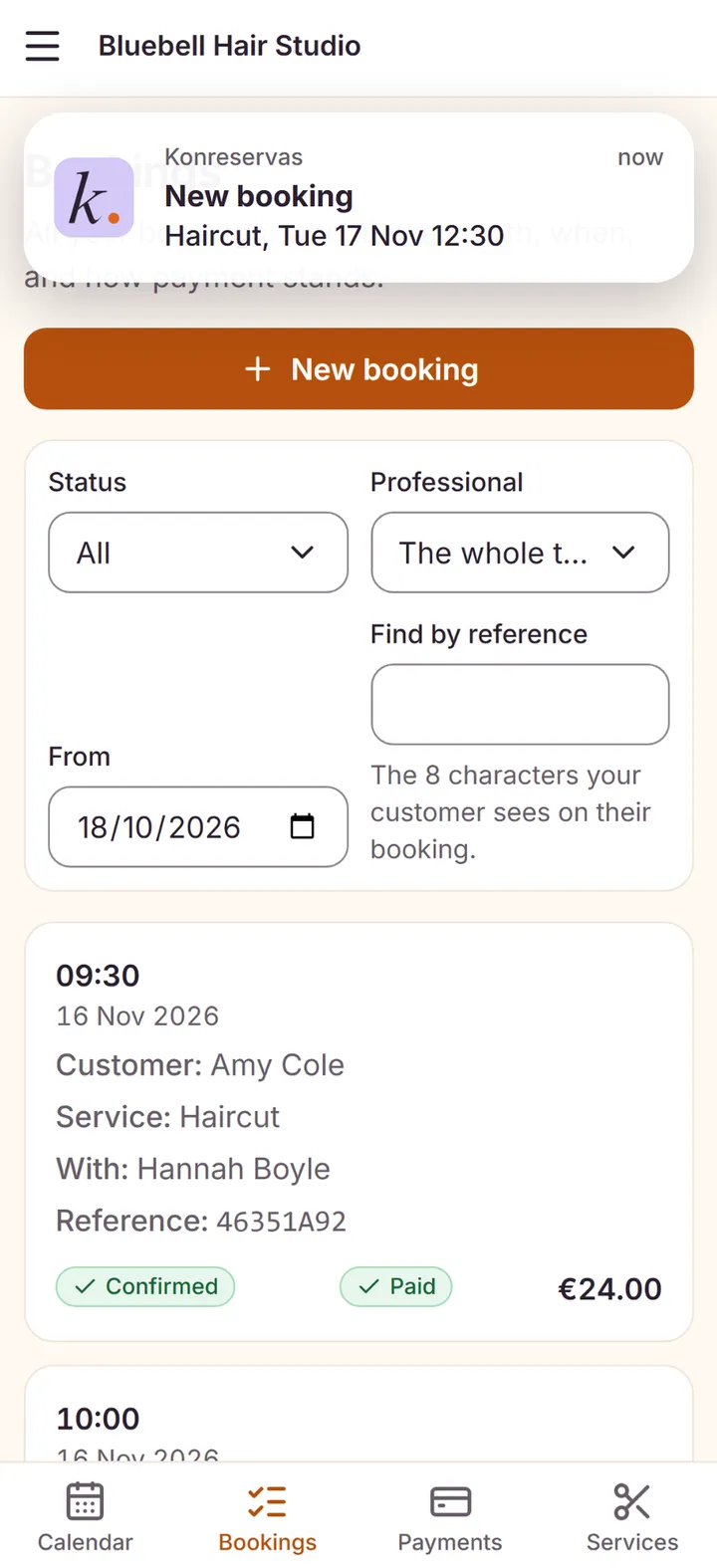
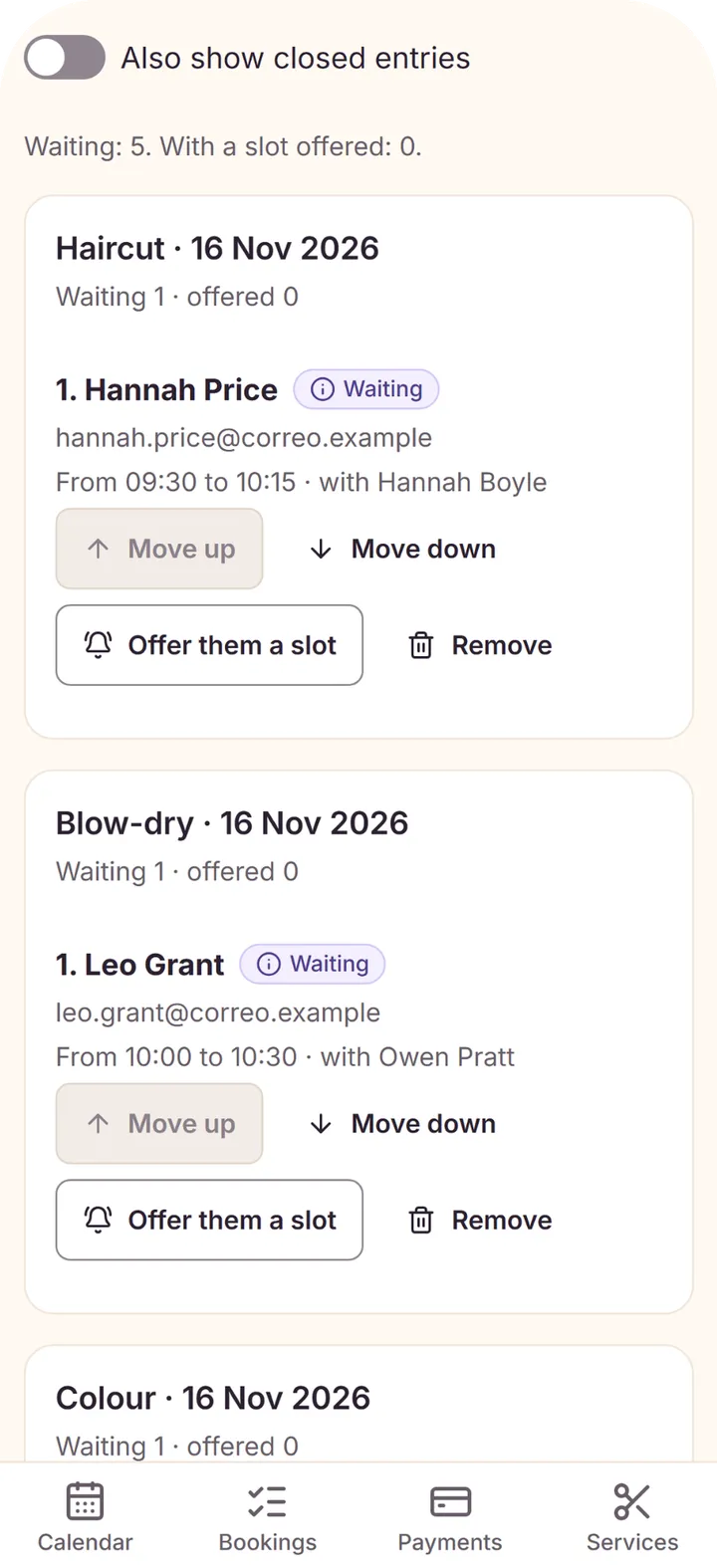
- A booking comes in, another is cancelled or a slot opens up on the waiting list.
- The alert is queued inside the same transaction: if the booking is not saved, the alert does not go out.
- The server talks directly to APNs (HTTP/2, ES256 JWT) and to FCM, with no third-party SDK.
- Tapping it opens that booking in the app.


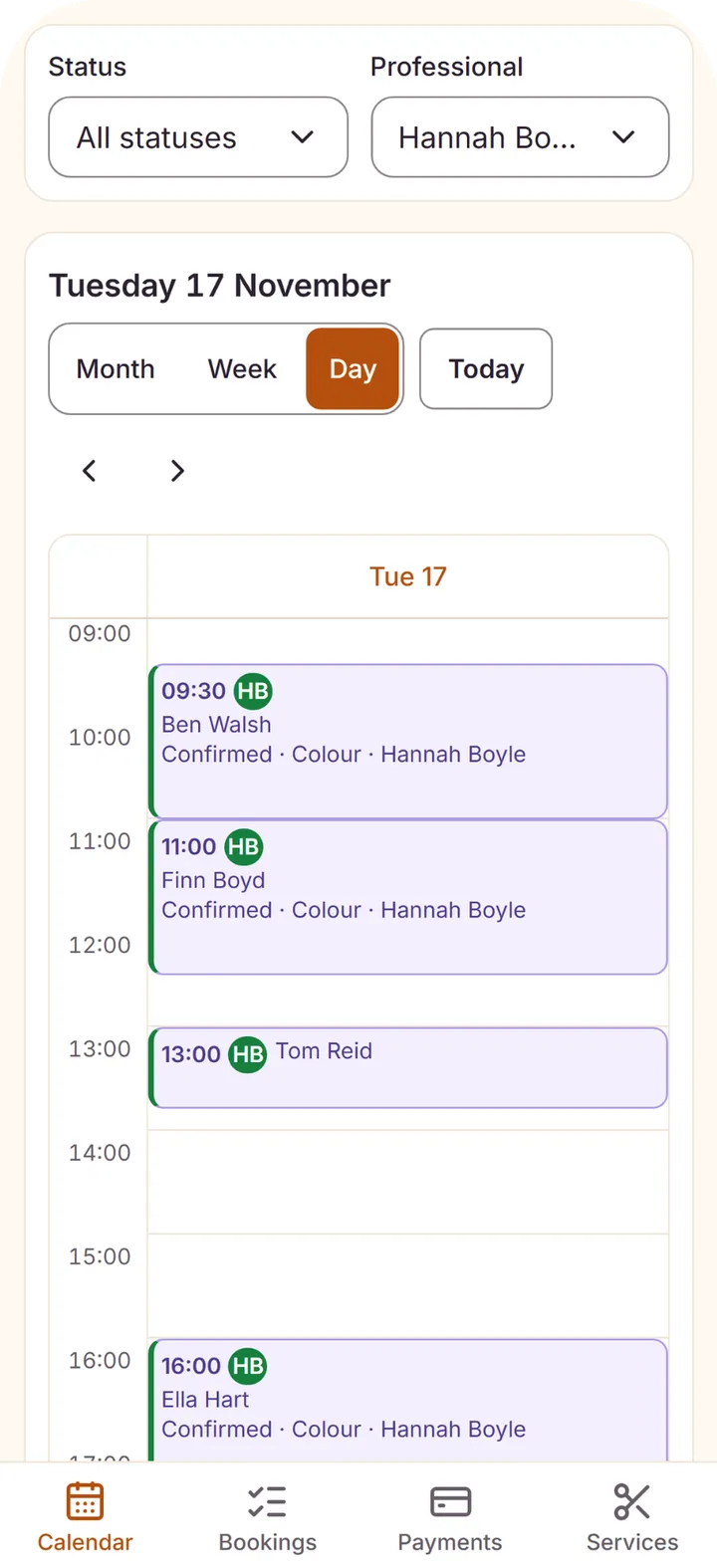
The app is for businesses that use Konreservas: you sign in with the same account and the same passkey as on the web.
Payments
The money lands in the business’s own account.
Each business is paid into its own account. It can connect its own Stripe account or use its bank’s card terminal through Redsys, and ask for whatever deposit it wants: a fixed amount, a percentage or full payment, plus a security deposit.
Automation
What the business no longer has to do by hand.
From the moment a booking comes in until after the appointment, Konreservas confirms, reminds, alerts and asks for the review on its own. Customers get email and WhatsApp; the team gets an alert on their phone.
The tests
Every guarantee has a test that tries to break it.
Passing tests is not enough. Konreservas has its own sabotage runs: they break the code on purpose, guarantee by guarantee, and require some test to notice. If nothing notices, the guarantee is not proven. There are 252 test files, and while they run the network is closed: nothing leaves the machine.
Let’s talk
Need a product built with the same rigour?
Konreservas is ours, and we built it the same way we build our clients’ products. Tell us what you want to get off the ground and we will tell you where to start.